The admin at /admin is the MIKODES Admin Kit with THESIS settings. Sign in as the owner (how), then work down the sidebar. Every save is checked against hard ranges and written to the audit log.
01Overview
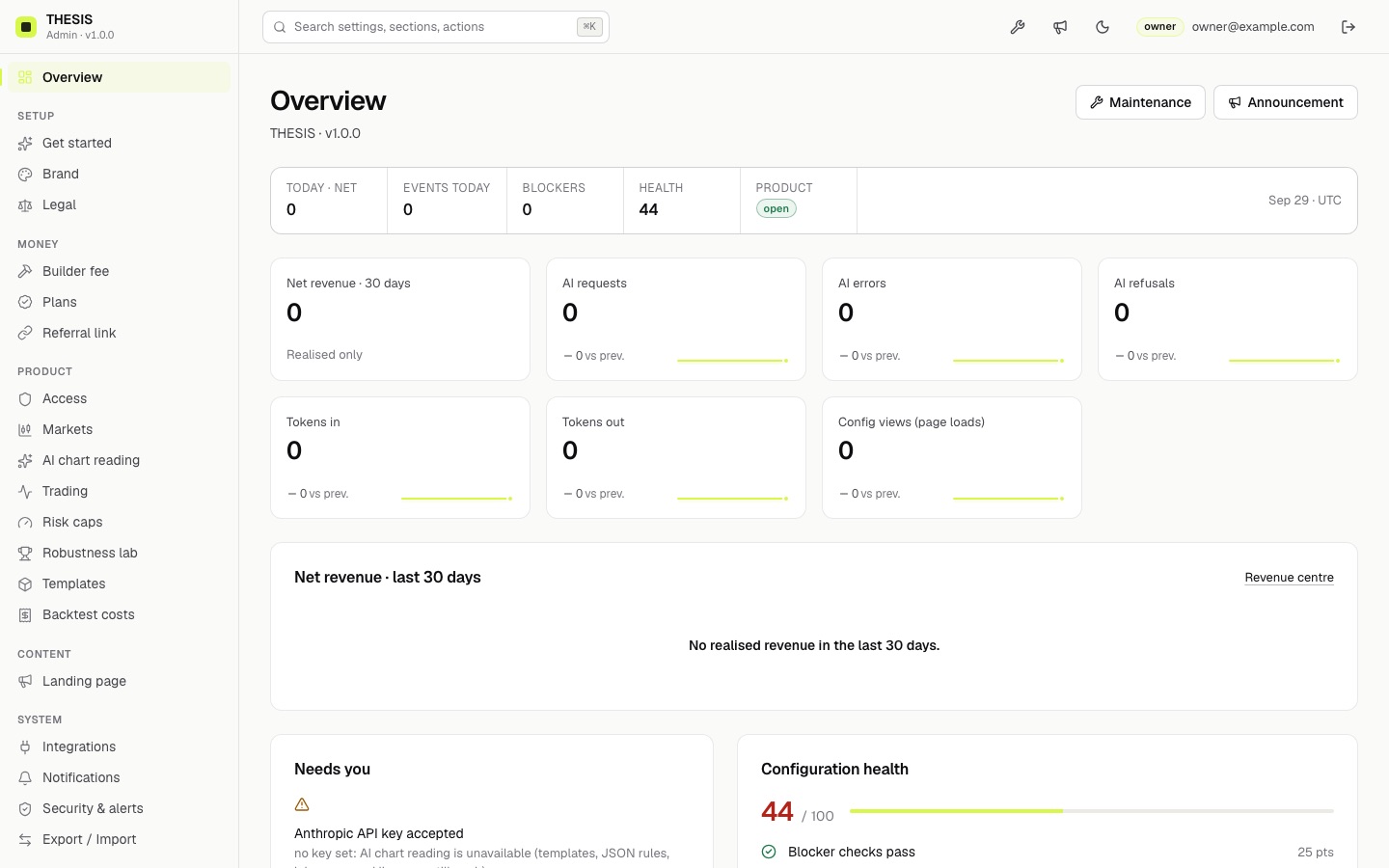
Today's realised revenue, blockers, the metrics tiles (AI requests, errors, refusals, tokens in and out, config views — aggregate counters, with the previous period for comparison), a configuration health score with Fix links, recent audit entries and quick switches for maintenance and the announcement banner.
See it before you install
The screenshots on this page come from a fresh local install of 1.0.0. To click through the console yourself, follow the Quick start: it runs on your computer in about ten minutes.
02Setup: Get started, Brand, Legal
Section
Fields
Get started
A short wizard: product name, accent colour, support email.
Brand
Product name (40 characters), tagline (80), accent colour (hex, e.g. #D7F84A), logo (PNG, SVG, WebP or JPEG up to 150 kB, uploaded — links are not allowed by the security policy), support email, support link.
Legal
Risk notice (footer), up to 1,500 characters, shown on the desk and the landing page. It ships with a default notice; replace it with text your lawyer approves.
03Money: Builder fee, Plans, Referral link
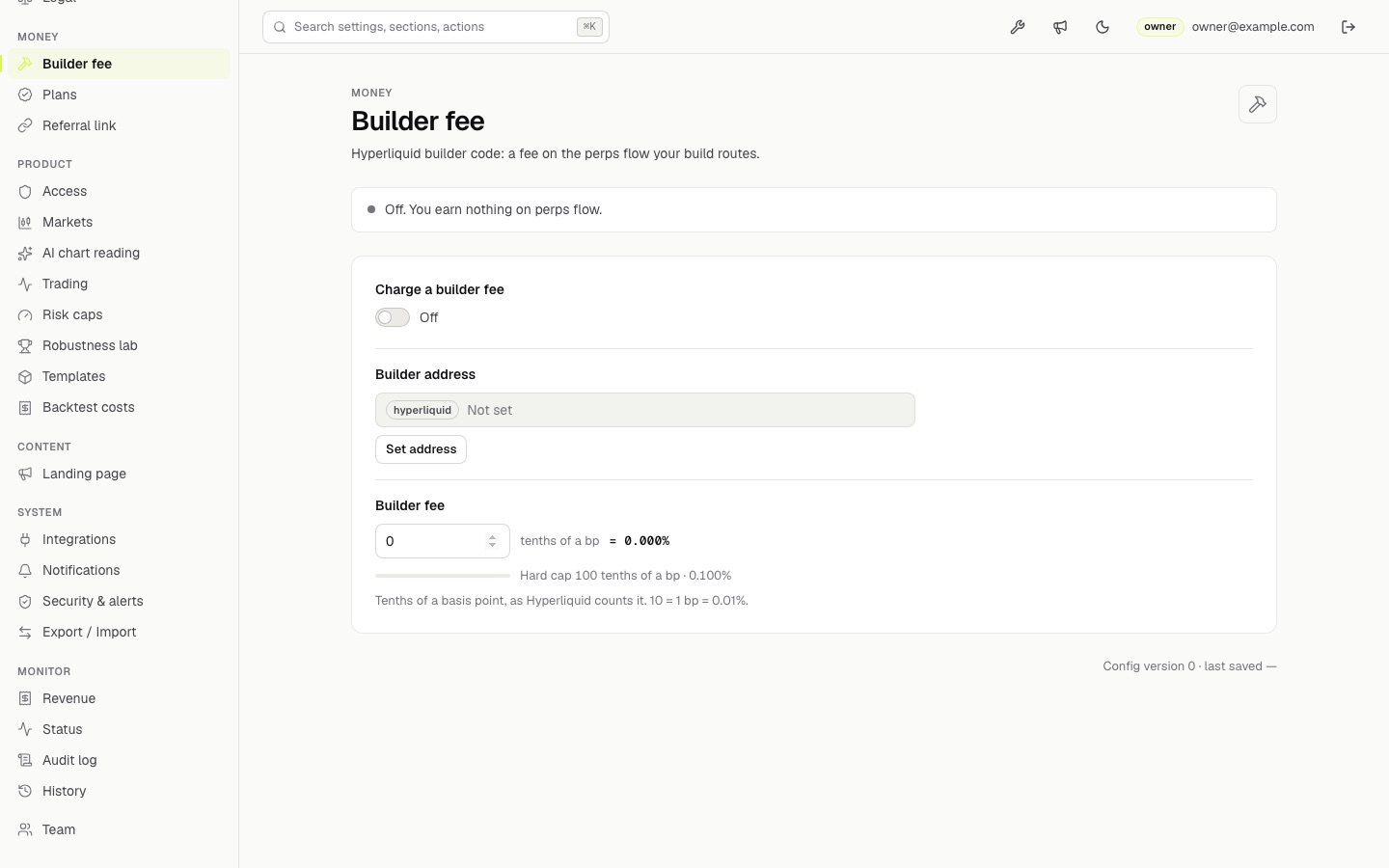
All three are off and empty on a fresh install. Details and the user's side of each: Setting up earnings.
04Product sections
Section
What you set
Access
Maintenance mode and message (AI answers 503 with the message while on), announcement banner (300 characters) and its style (info or warning), blocked countries — testnet and mainnet are off for visitors from these; paper stays available.
On/off, model, effort, requests per visitor per hour, daily cap for the whole desk, house rules added to the prompt (they cannot remove the built-in safety rules).
Trading
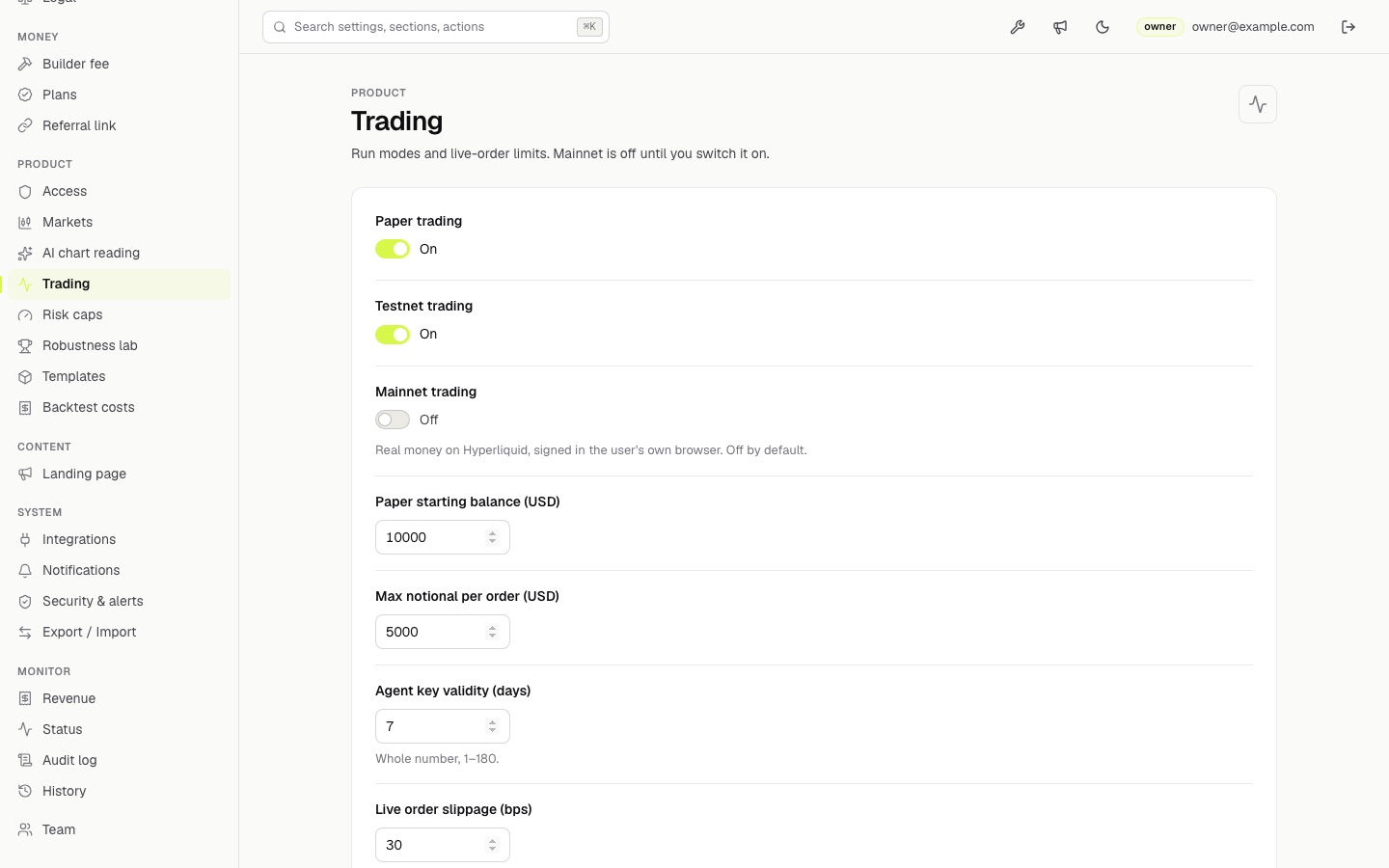
Paper, testnet and mainnet switches; paper starting balance; max notional per order; agent key validity (days); live order slippage cap (bps); the restricted-jurisdiction text users must confirm.
Risk caps
Max leverage, risk per trade, daily loss, trades per day. They can only tighten what the rules or the AI propose.
Robustness lab
Minimum grade for live runs, walk-forward folds, Monte Carlo runs.
Templates
Which starter strategies the gallery offers: trend, breakout, mean reversion.
Backtest costs
Taker fee and slippage charged on every simulated fill.
05Content: Landing page
Headline, sub-headline, button label, show or hide the "for operators" section (which holds the revenue calculator) and the FAQ, and the FAQ text: one entry per block, blocks separated by an empty line, first line the question. At most 20 entries.
Selling to traders, not operators?
The "for operators" section speaks to people who would run their own desk. If your visitors are traders, switch it off.
Anthropic API key, write-only, with Test connection (no tokens spent). Locked when ANTHROPIC_API_KEY is set on the server. Only the owner can change it.
Notifications
Email for admin alerts, webhook URL and its signing secret.
Security & alerts
Two-factor sign-in, your sessions, password change. The owner can also require two-factor for owners and managers, and choose webhook alerts when a blocker check starts failing or revenue stays at zero for N days (Send test alert checks the webhook).
Export / Import
Download all settings as a file, or import one: you see a preview of every change first, and anything over a cap is refused.
07Monitor: Revenue, Status, Audit log, History
Page
What it shows
Revenue
Realised events only, each with its Hyperliquid ledger hash: Pro plan payments into your pay-to address and reward claims by your builder address. Unclaimed rewards never count as revenue. CSV export. The revenue calculator is on the landing page, not here (Revenue calculator).
Status
Checks: Hyperliquid mainnet (blocker) and testnet, Anthropic key, admin and stats storage (blocker), builder address holds at least 100 USDC perps value, every saved value valid for the desk (blocker). Re-run checks.
Audit log
Who changed what and when. Addresses are masked.
History
Earlier versions of the configuration, with rollback.
08Team and roles
Role
Can
Owner
Everything. Only the owner can set secrets (Anthropic key, webhook secret), reveal a masked address, export, import, roll back, download the audit log and add, change or remove team members.
Manager
Change settings, including the builder fee, plan and referral fields; test the Anthropic key; maintenance and announcement switches; finish the setup wizard.
Viewer
Read only; manage their own password, two-factor and sessions.
Managers can change money settings
The builder fee, the Pro plan and the referral link are ordinary settings, so a manager can edit them (every change is in the audit log). Give the manager role only to people you trust with them.
Sign-in sessions are HttpOnly cookies; every change request needs the admin's own header, so other sites cannot post to it.
09Moving settings from an older admin
Builds made before the Admin Kit stored settings as JSON. To carry them over, run this with the same THESIS_DATA_DIR or BLOB_READ_WRITE_TOKEN the old server used, then import the file under Export / Import: