
● Start · 10 minutes
Quick start
desk and admin running.
The shortest way from the zip to the landing page, the desk and the admin on your own computer. It assumes Node.js and pnpm are installed; if not, do Requirements first.
01Before you start
node --versionanswersv22.12or newer.pnpm --versionanswers (these docs were checked with pnpm 10).openssl versionanswers. It makes the admin secret; any other 32-byte random generator works too.
No keys needed to look around
Without an Anthropic key the desk still works: templates, JSON rules, the backtest, the robustness lab, paper runs and live runs. Only chart reading by AI is switched off.
02The ten minutes
- Unzip and open a terminal in the project folderCopy the
sourcefolder of the download somewhere without spaces, for example~/projects/thesis, and open a terminal there. The folder containspackage.json. - Install packages
pnpm install - Make an admin secretCopy the 64-character answer; you need it in the next step.
openssl rand -hex 32 - Start the desk and the API togetherReplace the placeholder with the secret from step 3.
Vite serves the pages onADMIN_SECRET_KEY=<your-secret> pnpm devhttp://localhost:5180and proxies/apiand/adminto the API on port8787. - Copy the setup codeThe terminal prints, once per start until an owner exists:
[admin] No owner account yet. Open /admin and create it with this one-time setup code: XXXX-XXXX-XXXX-XXXX - Create the ownerOpen
http://localhost:5180/admin, enter the setup code, your email and a password of at least 12 characters, then press Create owner and sign in.
The dev server does not read .env
pnpm dev and the Node server take their settings from the environment of the terminal, not from a .env file. That is why the secret is written in front of the command here. For a server you keep running, see Installation → Settings file.
03What you should see
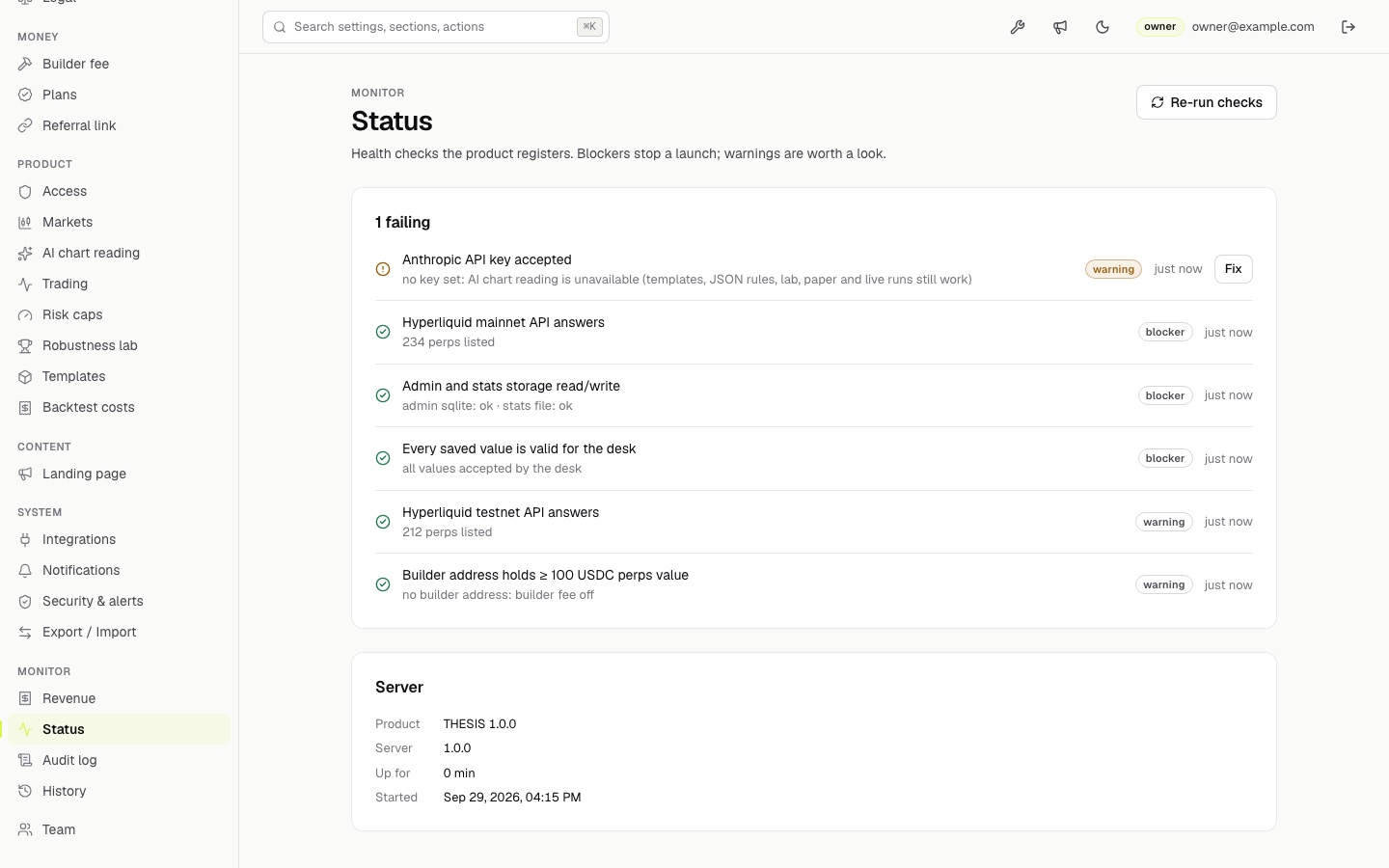
http://localhost:5180/— the landing page with live Hyperliquid tickers.http://localhost:5180/app— the desk, in Paper mode, with AI off in the top bar. Pick a template in the strategy gallery and press Load rules.http://localhost:5180/admin— the admin. Status shows one failing warning, Anthropic API key accepted, until you add a key. Everything else passes on a fresh install.
Next
Continue with Installation: production build, a settings file, the AI key and your data folder.